Method
Indexed coloring involves using a predefined set of colors, known as a color lookup table, where each color has a unique index number, as shown in the diagram. To apply indexed coloring, simply assign an index number to the corresponding indexed color property.

sht.api.Range(“C3”).Font.ColorIndex=3
sht.api.Range(“C3″).Value=”Hello”
Sample Code
#Color - Index color

import xlwings as xw    #Import xlwings package

app=xw.App()
bk=app.books.active   #Get the active workbook
sht=bk.sheets.active    #Get the active worksheet

sht.api.Range("C3").Font.ColorIndex=3
sht.api.Range("C3").Value="Hello"

#bk.save()
#bk.close()
#app.kill()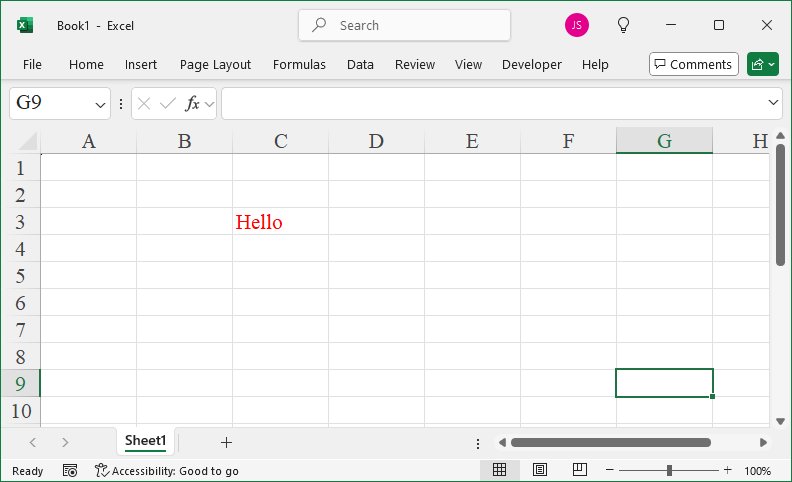
Leave a Reply