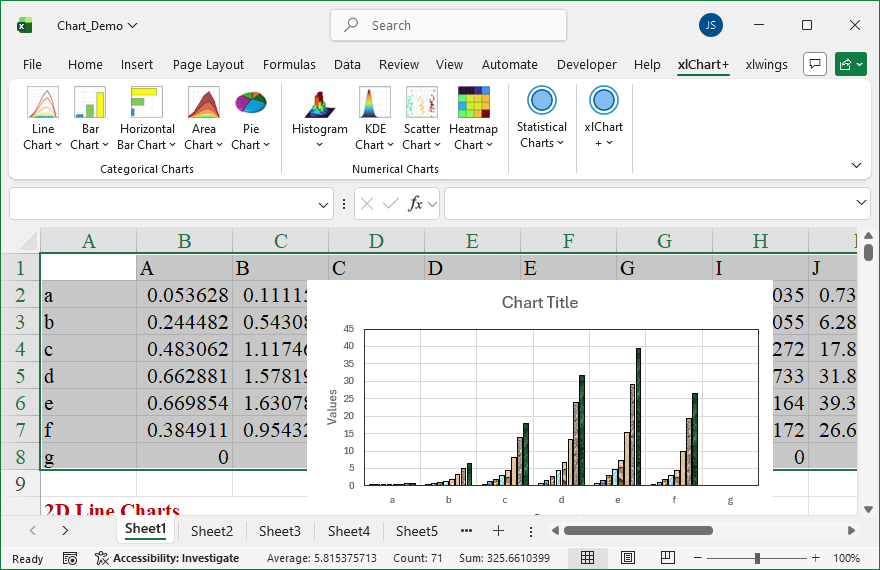
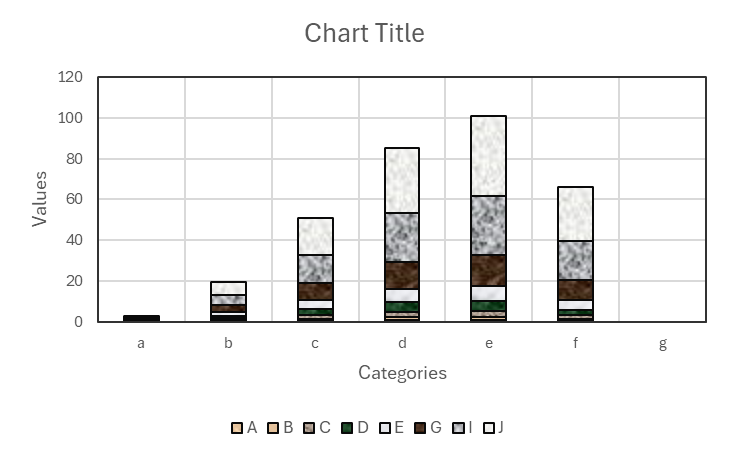
Flowing these steps to create 2d texture filled column chart:

First, select data in the worksheet.
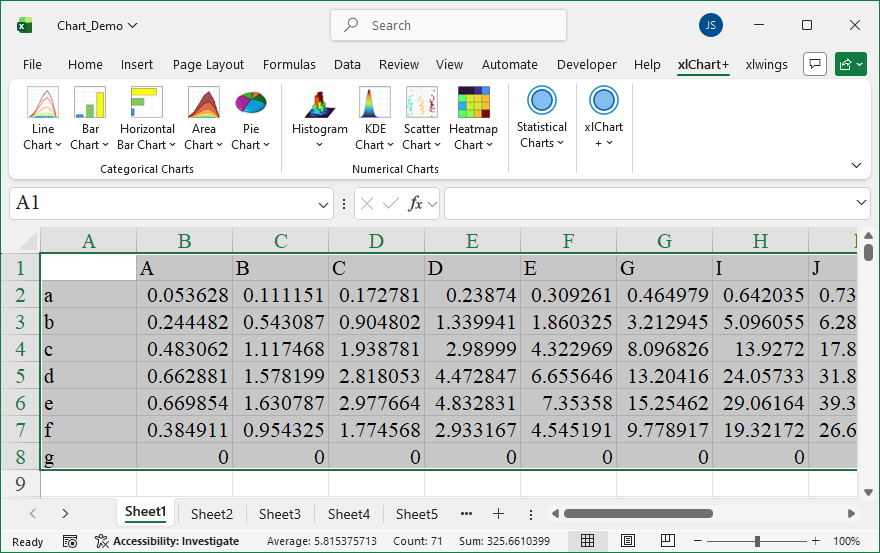
Click “2D Clustered” item in “Bar Chart” menu in xlChart+ add-in, open “Create a Bar Chart” dialog box, select “Textured Fill” option button in “Fill” frame.
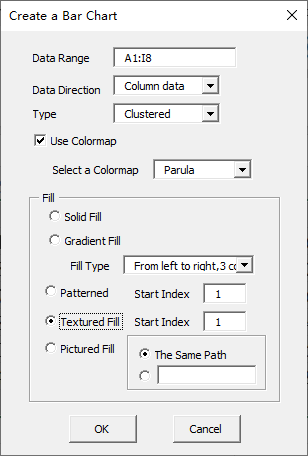
Click “OK” button.
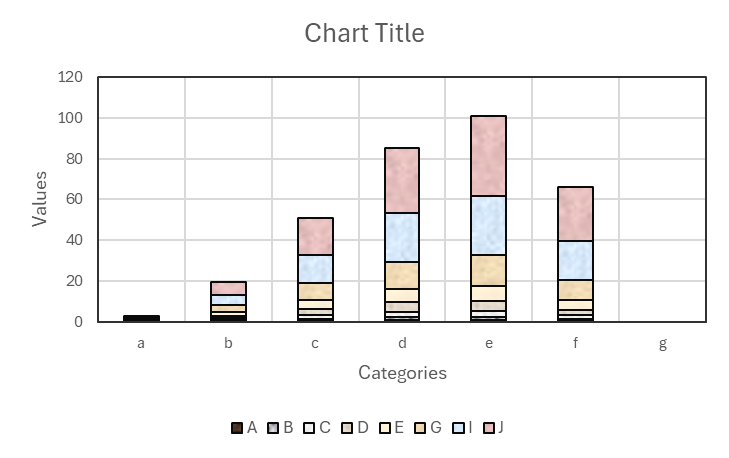
You can change the texture by inserting another value in “Start Index” textbox after “Textured Fill” option button in “Create a Bar Chart” dialog box.
Leave a Reply