Method
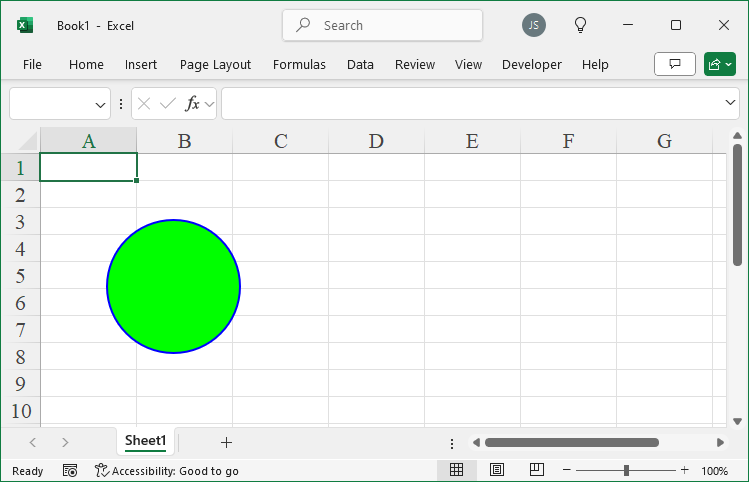
Excel provides a set of colors from its color scheme that can be used to fill graphical objects. For graphical objects, the `ForeColor` and `BackColor` properties return a `ColorFormat` object, which includes a `SchemeColor` property. Each color in the color scheme has an index number, which can be assigned to the `SchemeColor` property.
shp=sht.api.Shapes.AddShape(9, 50, 50, 100, 100)
shp.Fill.ForeColor.SchemeColor=3
shp.Line.ForeColor.SchemeColor=4
Sample Code
#Color - Scheme color

import xlwings as xw    #Import xlwings package

app=xw.App()
bk=app.books.active   #Get the active workbook
sht=bk.sheets.active    #Get the active worksheet

shp=sht.api.Shapes.AddShape(9, 50, 50, 100, 100)
shp.Fill.ForeColor.SchemeColor=3
shp.Line.ForeColor.SchemeColor=4

#bk.save()
#bk.close()
#app.kill()
Leave a Reply