Method
#xlwings
sht.range(‘C2’).resize(3).select() #Create a cell range C2:C4
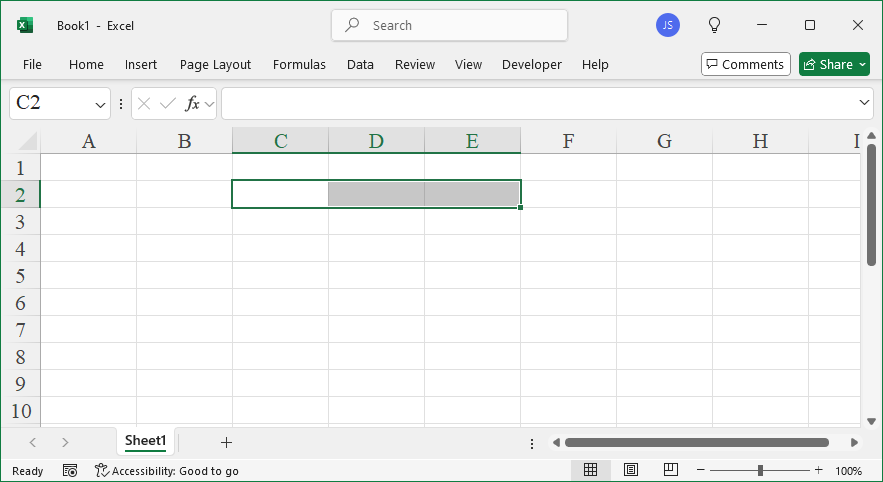
#sht.range(‘C2’).resize(1, 3).select() #Create a cell range C2:E2
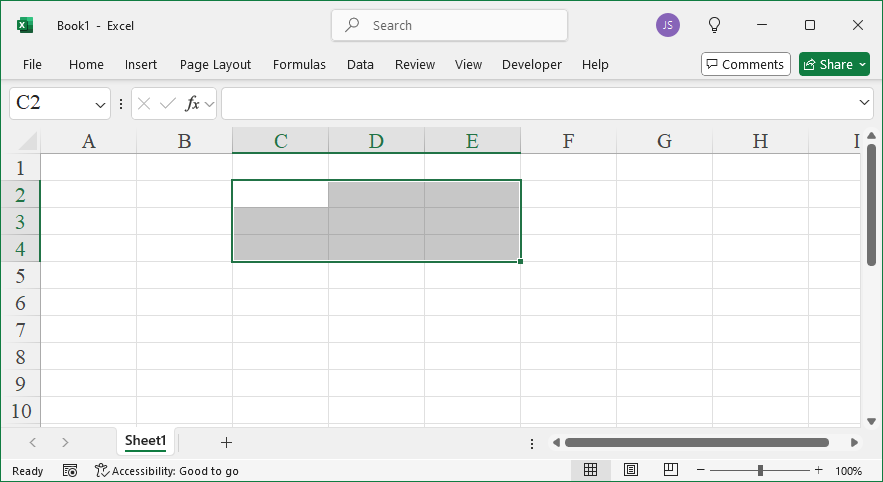
#sht.range(‘C2’).resize(3, 3).select() #Create a cell range C2:E4
#expand method
#sht.range(‘C4’).expand(‘table’).select()
#sht.range(‘C4’).expand().select() #Equivalent to the method above
#sht.range(‘C4’).expand(‘down’).select()
#sht.range(‘C4’).expand(‘right’).select()
#xlwings API
#sht.api.Range(‘C2’, sht.api.Range(‘C2’).Resize(3)).Select()
#sht.api.Range(‘C2’, sht.api.Range(‘C2’).Resize(1, 3)).Select()
#sht.api.Range(‘C2’, sht.api.Range(‘C2’).Resize(3, 3)).Select()
Sample Code
#Expand the reference to the current worksheet's cell range

import xlwings as xw    #Import the xlwings package

app=xw.App()
bk=app.books.active    #Get the active workbook
sht=bk.sheets.active    #Get the active worksheet

#xlwings
sht.range('C2').resize(3).select()     #Create a cell range C2:C4
#sht.range('C2').resize(1, 3).select()    #Create a cell range C2:E2
#sht.range('C2').resize(3, 3).select()    #Create a cell range C2:E4

#expand method
#sht.range('C4').expand('table').select()
#sht.range('C4').expand().select()    #Equivalent to the method above
#sht.range('C4').expand('down').select()
#sht.range('C4').expand('right').select()

#xlwings API
#sht.api.Range('C2', sht.api.Range('C2').Resize(3)).Select()
#sht.api.Range('C2', sht.api.Range('C2').Resize(1, 3)).Select()
#sht.api.Range('C2', sht.api.Range('C2').Resize(3, 3)).Select()

#bk.close()
#app.kill()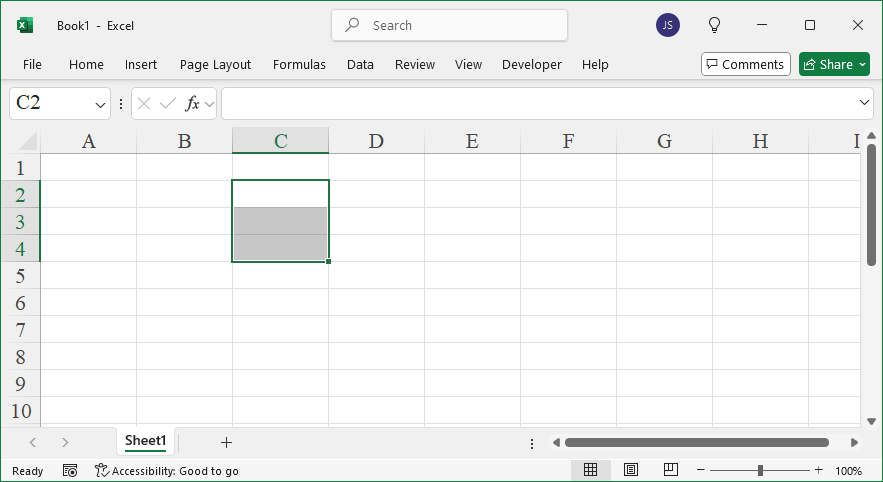
Leave a Reply