Flowing these steps to create 2d pattern filled bar chart:

First, select data in the worksheet.
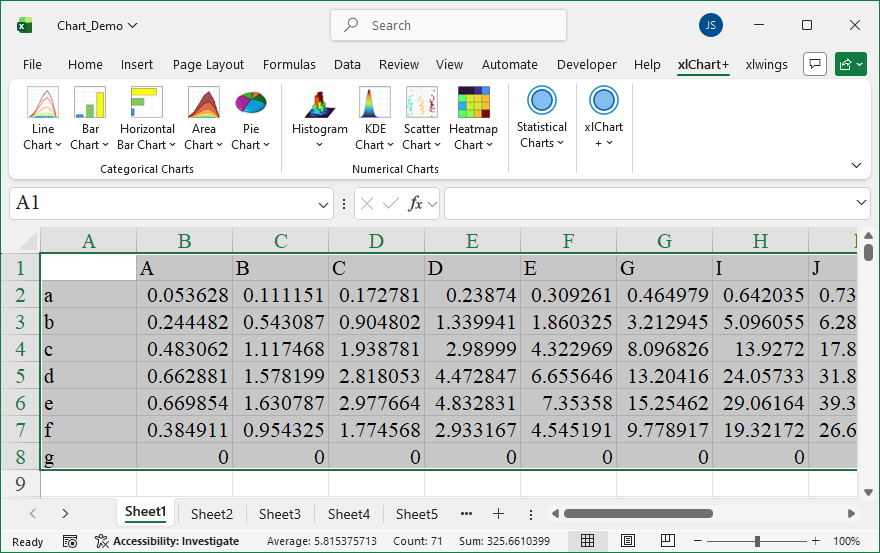
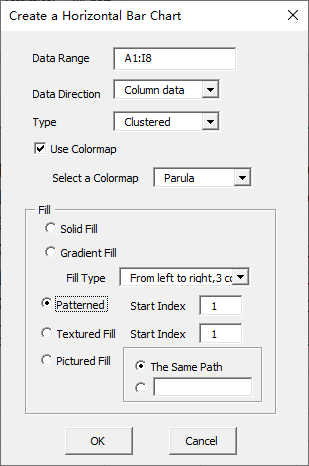
Click “2D Clustered” item in “Horizontal Bar Chart” menu in xlChart+ add-in, open “Create a Horizontal Bar Chart” dialog box, select “Patternred Fill” option button in “Fill” frame.
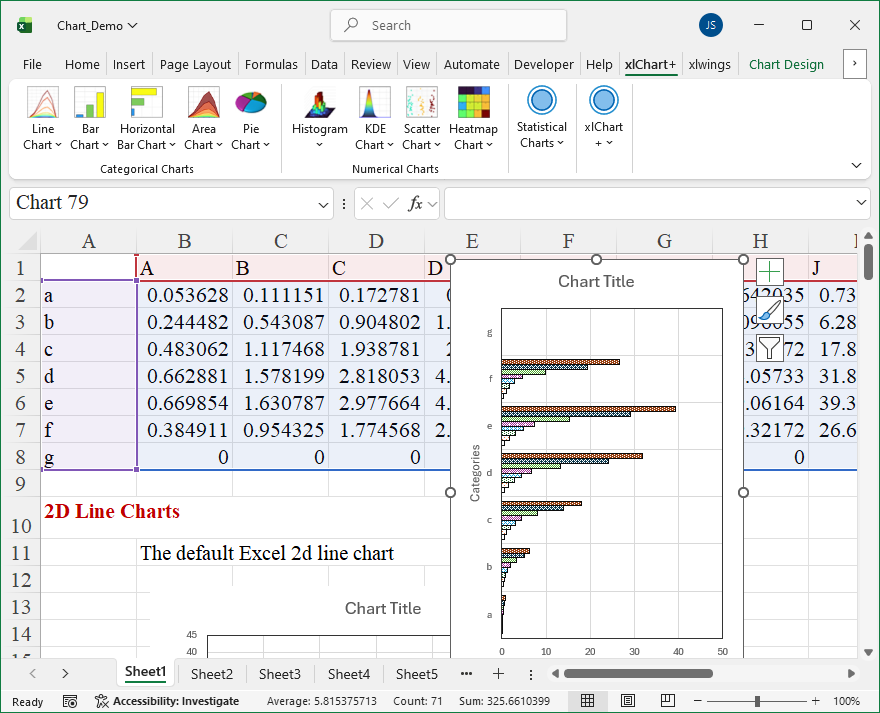
Click “OK” button.
Leave a Reply