Flowing these steps to create KDE chart:

First, select data in the worksheet.

Click “Univarate KDE Filled Curve-Colormap” item in “KDE Chart” menu in xlChart+ add-in, open “Create a KDE Chart” dialog box.

Click “OK” button.
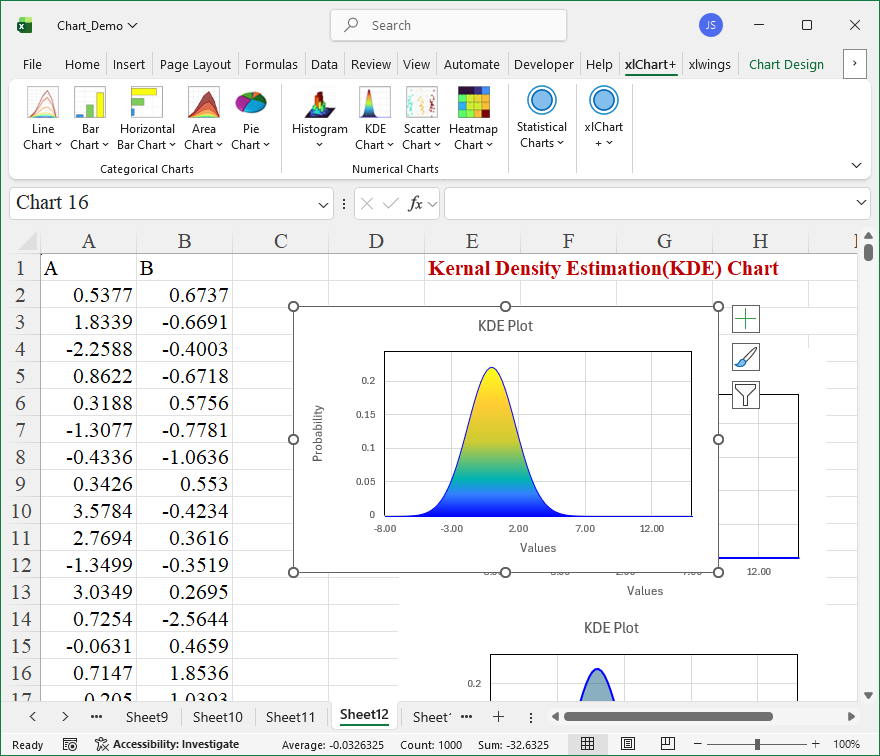
You can change the colormap by selecting another item in “Select a colormap” dropbox in “Create a KDE Chart” dialog box.


Leave a Reply